
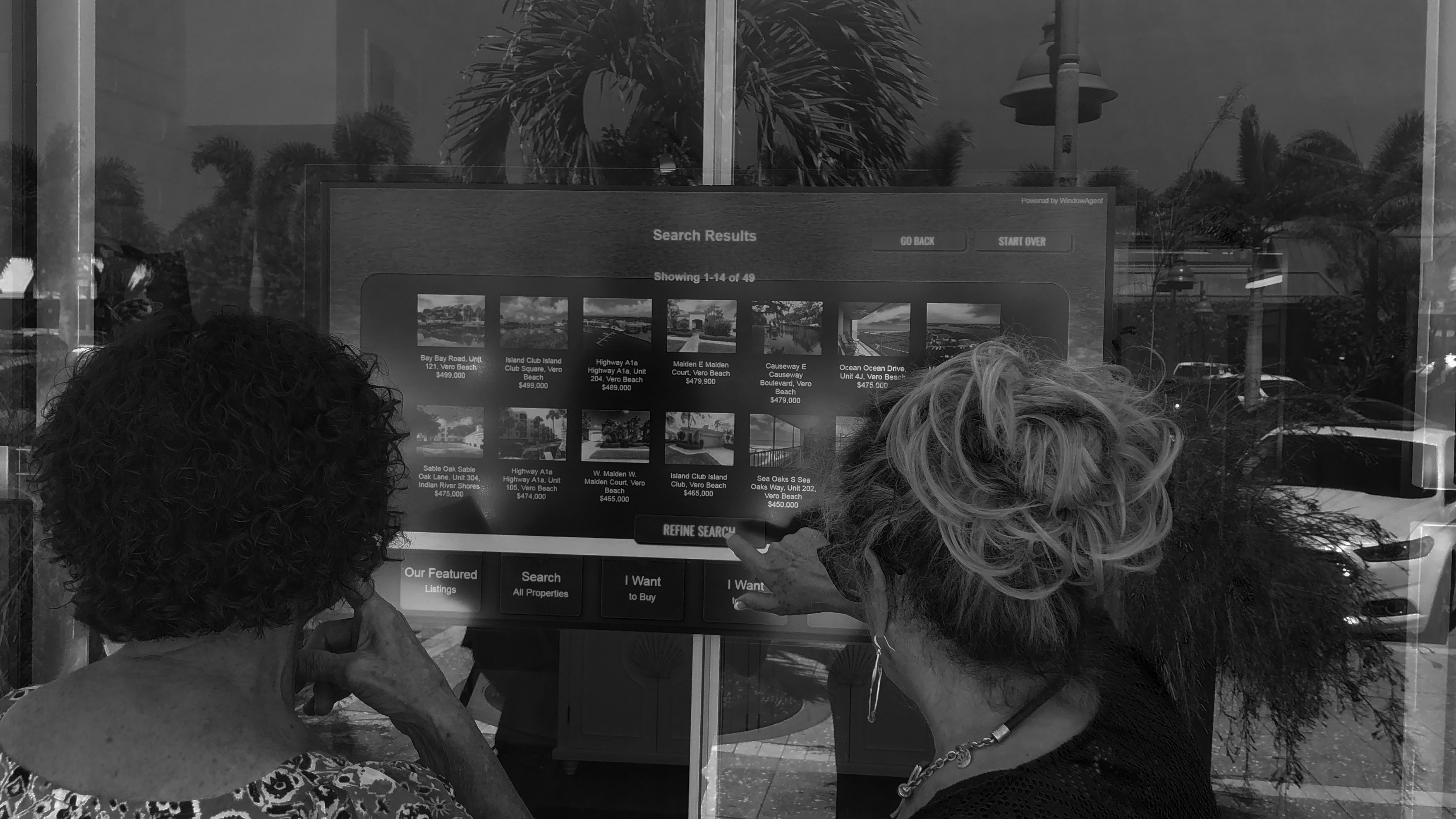
Any display
You pick the screen. The foil adds touch.
Touch foil does not care what is behind it: an LCD, a commercial display, a high-brightness monitor or an LED panel. Line the foil’s marked touch area up with the edges of the picture, plug the USB cable into the computer that drives the screen, and it works like a touch screen.
- LCD and commercial displays
- High-brightness monitors for sunny windows
- LED panels and video walls behind glass
- Touch area matched to the picture, not the bezel
Get it right
Three things to check
Glass thickness
Up to 10 mm for every foil, up to 12 mm with Pro Touch. No metal in the glass.
Size match
Order the foil to the visible picture size. On Pro Touch, a touch area slightly larger than the picture is fine: the 4-point calibration lines it up.
Clean power
Ground the display and controller, and keep the USB cable away from power cables, to avoid false touches.
Add touch to your display
Send the screen model or size and the glass in front of it.