
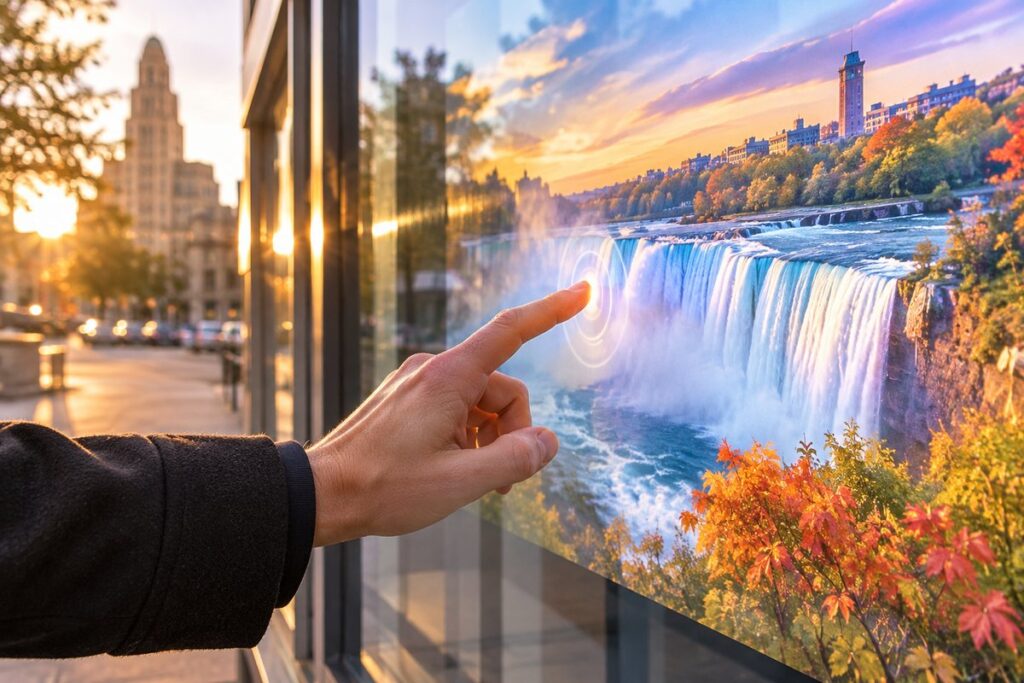
What Is Touch Foil and How Does It Work?
Touch foil is a transparent film embedded with a fine grid of sensing wires that mounts directly to the inside of glass or acrylic. When paired with a display or projector, it transforms any window, partition, display kiosk, or table into a multi-touch interactive screen—supporting applications from store windows to visitor center kiosks throughout Buffalo. Unlike traditional touchscreens, touch foils sit behind the glass, sensing finger touches through the surface without altering the look or durability of the original glass.
The technology operates via a controller board and USB cable, which plug-and-play with your PC or media player. The fine sensing grid detects the position of fingers, offering touch accuracy of about ±2 mm or even under 1 mm with object recognition models. While most ProFoil options have fine visible wires, ProFoil Clear offers complete transparency with no visible grid. All touch foils from TouchFoil are CE and RoHS compliant, and come with a 3-year foil and 1-year controller warranty.
This practical, robust solution enables retail stores, educational venues, and real estate offices in the Buffalo area to offer stunning user interactivity on glass walls, tables, and windows even in high-traffic locations. To compare models and find specs for your application, view the Touch Foil Sizes and Specifications page.
How a Touch Foil System is Built:
The core structure behind any interactive glass surface with touch foil is straightforward and highly adaptable. The touch foil always mounts onto the inside of the glass, never on the exterior. This preserves the glass from environmental wear and works seamlessly with interior design layouts common in urban Buffalo locations, where weather and security are real considerations.
There are two main configurations: First, pairing a touch foil with a glass pane and a rear-projection film, then using a projector from behind the glass. The second approach mounts the touch foil on glass with an LCD or LED monitor placed directly behind, ideal for kiosks and interactive tables. In both cases, a computer running the interactive content is required, and you connect the touch foil’s USB controller to this system.
This modular setup lets designers tailor solutions for retail storefronts along Elmwood Village or interactive tables in education settings. The Touch Foil Models overview helps you determine which foil and setup match your screen size, number of touch users, and performance needs.
Planning for Glass Type, Thickness, and Size
Choosing the right glass is essential, as it directly affects touch performance and installation longevity. The touch foil senses through glass or acrylic—never mount on metal, as interference leads to accuracy problems. Thinner glass improves response, but the foil supports thickness up to 12 mm depending on model. For example, ProFoil Standard and ProFoil Clear support up to 10 mm, while Pro Touch 20/40 can handle up to 12 mm, including laminated layers with no air gap.
Metallic or conductive coatings should not be present, and all metal frames or supports must be kept at least 3 mm away from the foil. Confirm with your architect or installer that glass in your Buffalo storefront or interior does not contain embedded wire mesh or foil. For large commercial windows on historic buildings or museums, custom sizes up to 1.4 x 4.5 meters can be ordered; see the Touch Foil Sizes and Specifications for limits.
Installation is a wet-application process—after checking fit, carefully install the foil on the inside surface, lining the marked active area with the display edges. Squeeze out water and bubbles, then allow 24–48 hours to dry. Plan for enough time around weather and business hours, especially in humid Buffalo summers or during busy tourism seasons highlighted by resources such as Visit Buffalo.
Selecting Your Touch Foil Model
Each installation is different, and TouchFoil (from SSI) offers a range of ProFoil models to cover storefronts, interactive kiosks, glass walls, and custom table designs:
- ProFoil Standard: 10-point touch, works through glass up to 10 mm, sizes from 10.1 to 55 inches, and features automatic calibration.
- Pro Touch 20 / 40: Higher touch points (20 or 40), up to 12 mm glass, supports Mac multi-touch (on 40-point version with compatible macOS), sizes to 100 inches, and zone calibration for custom interaction regions.
- ProFoil Object Recognition: Recognizes special pucks on the glass, supports 40+ touches, for 43–75 inches, with SDK for developers or all-in-one turnkey kits.
- ProFoil Clear: Invisible grid for full transparency, 10-point, up to 98-inch diagonal, supplied laminated on glass.
- Circular Touch Foil: For round tables or domed surfaces, up to 140 cm diameter, two halves can combine for up to 280 cm.
For Buffalo’s museums, schools, and heritage sites, object recognition and large-format foils are ideal for tables and interpretive displays. Retailers typically use Pro Touch 20/40 for window or wall mounts with busy pedestrian traffic. If you need a completely clear option for hotel lobbies or real estate lounges, ProFoil Clear fits. Browse details and confirm model compatibility via Touch Foil Models.
Integrating Touch Foil With Storefronts and Interiors
Buffalo’s mix of classic architecture and new development means you’ll find both ornate historical facades and modern glass walls—each presenting unique opportunities and challenges for touch foil installations. For interactive storefront window use, be sure the glass is accessible from the inside, and arrange monitor or projection equipment so that public-facing content cannot be tampered with.
Lighting plays a major role: Window displays in well-lit downtown Buffalo locations may require high-brightness LCDs, while rear-projection is usually best for lower ambient light settings, like museum alcoves. Consider existing electrical service when planning placement. For questions about local utilities or historic preservation guidelines, check with local authorities or the office linked through Visit Buffalo.
Retailers and exhibit builders should work with architects and safety consultants to comply with city code and ADA requirements. Corner situations, entryway glass, and interior partitions benefit from touch foils’ flexibility, eliminating exposed electronics and keeping glass surfaces easy to clean.
Installation Tips and Best Practices
Installing touch foil requires careful planning and preparation, as the film is a one-time installation and cannot be reused. Clean the glass thoroughly, use the included wet-application technique, and allow for thorough drying. Proper adhesion and bubble-free application are essential to ensure accurate touch performance across the entire surface.
Always test alignment and system function before final installation. Ground the USB controller to the frame as specified, and route the USB cable away from power or display connections to prevent interference. Always use grounded power for your system, especially in Buffalo buildings with older wiring.
For larger projects or venues, coordinate installation with your project’s timeline. As you cannot move a foil to another pane once installed, finalize physical placement and test everything beforehand. If integrating with projection film, consider consulting professionals for projection alignment and glass compatibility; see Visit Buffalo for event and busy season considerations.
Performance Considerations: Touch, Transparency, and User Experience
Touch foils from TouchFoil offer a responsive and engaging user experience for Buffalo-area installations. Touch accuracy is approximately ±2 mm for most models, and can reach under 1 mm with ProFoil Object Recognition, supporting highly precise interaction with marker pucks. The system delivers a rapid response—under 10 ms—enabling natural multi-touch gestures, dragging content, or manipulating information directly through glass.
Light transmission is high, at 89% or more depending on the model, ensuring your display or projection content is clear and bright for both daylight and evening viewing, which is critical in Buffalo’s variable climate. ProFoil Clear, with 85%+ transmission and no visible wires, is especially valued for settings requiring an unobstructed view, such as hotel entrances and upscale real estate offices.
Accessibility and inclusivity remain important: Plan the interface so that users of all heights and abilities can interact comfortably. For permanent exhibits or active retail windows, consider device orientation, screen size, and location traffic flow for optimal engagement. To see which model suits your project’s touch, transparency, and multi-user needs, consult Touch Foil Sizes and Specifications.
Buffalo Building Codes, Utilities, and Project Steps
Before beginning your interactive storefront or lobby upgrade, review all local permitting and electrical requirements. Properties in Buffalo’s heritage districts—or new builds near downtown—must comply with historic preservation guidelines and local ordinances. Always check with city offices or the Visit Buffalo resource for up-to-date regulatory information and to coordinate timelines.
Additional steps include confirming the availability of grounded outlets, planning for cable routing inside walls or display furniture, and ensuring all electrical components are rated for commercial use. Lighting needs may require custom solutions if your installation is visible from outside during both day and night.
Touch foil and supporting equipment do not require special zoning, but consult fire inspectors and building code officials where interactive features may affect exits or accessibility. For public institutions like schools or visitor centers, collaborate with IT staff and exhibit managers during initial layout design. Each project is quoted individually based on these factors, so request a quote early and leave time for evaluation and approvals.
Frequently Asked Questions About Touch Foil for Buffalo, NY
How durable and secure is a touch foil installation?
Touch foils are always installed on the inside of glass or acrylic, protecting them from tampering, daily wear, and weather—a key consideration for Buffalo storefronts or visitor center displays. The film is a single-use installation; it cannot be moved once applied, so careful planning, alignment, and testing are essential to ensure longevity and security. Glass with proper thickness and no embedded metal delivers optimal results and reliability.
What displays or projectors work with touch foil?
You can use any LCD or LED monitor as long as it’s sized to your foil’s active area and fits behind the glass. For large-format or irregular installations, rear-projection is a popular choice—combine touch foil, glass, rear-projection film, and a projector placed behind the assembly. For selecting projection films or display technology, see the Touch Foil Sizes and Specifications for matching criteria.
Does touch foil work for curved or custom surfaces?
Yes, with special options. ProFoil Circular models are designed for round tables and domes, available up to a 140 cm active area, with two halves joining to 280 cm. Fully custom sizes are available for unique glass shapes—always check project feasibility based on your glass design and consult the Touch Foil Models page to find fit and model availability.
Ready to transform your Buffalo storefront, visitor center, hotel, or corporate space with interactive glass? Explore available options in detail and Get a quote from TouchFoil (a Screen Solutions International site) to start planning your project.