
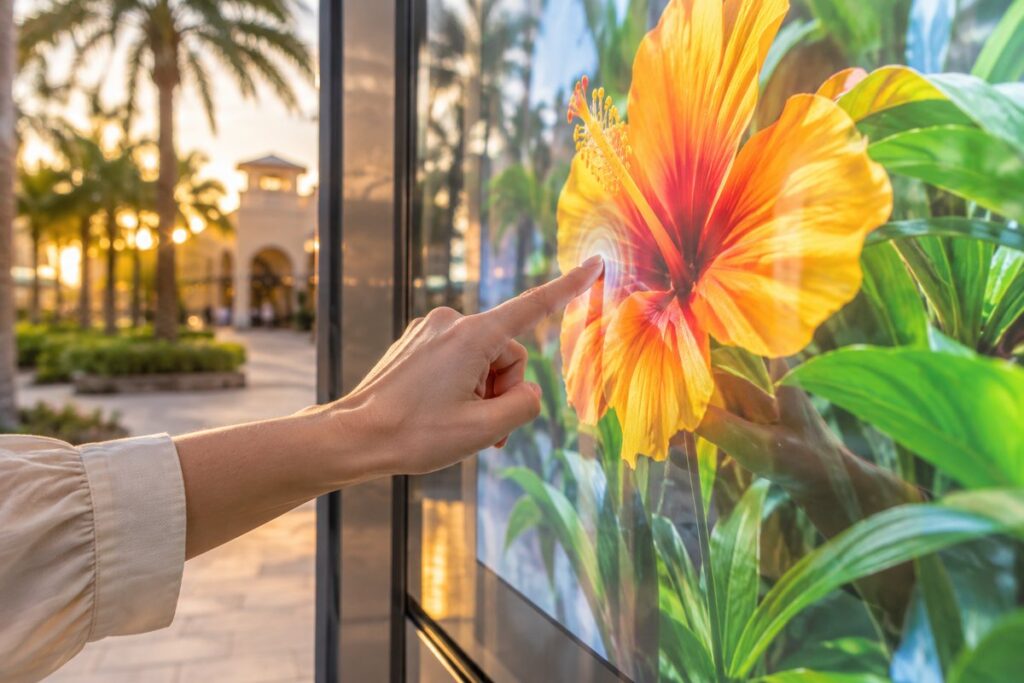
What Is Touch Foil? Turning Glass Into Touch Screens
Touch foil is a transparent film that brings ordinary glass surfaces—like storefront windows, tables, kiosks, or corporate lobby walls—to life as interactive touch screens. Designed by Screen Solutions International (SSI), the TouchFoil range transforms glass by mounting a fine, nearly invisible sensing grid inside it. This advanced technology detects finger touches accurately through glass or acrylic, enabling multi-touch experiences for retail, museums, hotels, education, and beyond in Orlando, FL.
Each touch foil works by sensing changes in the electromagnetic field when you touch the glass. The grid itself is remarkably fine—there are no visible wires on the ProFoil Clear model, and typical light transmission is 89 percent or better, keeping your storefront window crystal clear. The foil is always mounted on the inside of the glass, protecting it from weather and street traffic. Every foil includes a USB-powered controller board and cable, making it plug-and-play when connected to a computer—no external power supply required.
This technology is suited for everything from interactive storefront windows to tables and museum exhibits. Models differ in size, shape, and number of touch points, with options like ProFoil Standard, Pro Touch 20/40, Object Recognition, Clear, and Circular, easily found on the Touch Foil Models page. All models are CE and RoHS compliant, ensuring compatibility for commercial installations.
How Touch Foil Works: The Layers Behind Interactive Glass
To create a true interactive window or table, touch foil is one crucial layer in a larger system. The foil itself is a transparent sheet with a fine grid of sensing wires, carefully applied to the inside of glass or acrylic. The system reads your touch through the glass with precision—accuracy is typically plus or minus 2 mm, and under 1 mm for Object Recognition models. Response time is less than 10 ms, providing seamless interaction for users on the street or inside a space.
Behind the glass, two primary options complete the display: either an LCD or LED screen, or a rear-projection setup using projection film and a projector. With an LCD or LED display, the touch content appears crisp and bright, even in storefronts with strong daylight. Alternatively, for custom shapes, large sizes, or flexible placement, rear-projection film—sourced from specialist providers such as SSI’s RearProjectionFilms.com (for reference)—can be paired with a projector and computer for a seamless interactive experience.
Understanding these layers is essential for planning your installation. The How Touch Foil Works and How to Install It page provides valuable technical insight for Orlando integrators, highlighting both configuration options and installation best practices.
Planning the Right Touch Foil: Glass Thickness, Size, and Models
Choosing the appropriate foil model and planning for the local context are critical for success. ProFoil Standard handles up to 10 simultaneous touches through glass up to 10 mm thick, while Pro Touch 20/40 enables 20 or 40 touch points through glass up to 12 mm—including laminated double glass with no air gap—making it suitable for larger panels such as floor-to-ceiling walls or larger touch tables. Custom sizing is offered up to 1.4 x 4.5 meters, with Circular Touch Foil options for round tables and domes.
For Orlando retailers or exhibit designers, the condition of the glass is essential. Thinner glass provides better touch sensitivity, and the glass must have no metal in it—metal reduces accuracy and may cause false touches. SSI recommends keeping any metal at least 3 mm away from the foil, including window frame parts. Double-checking the storefront specification before ordering saves time later, and details for all supported sizes and formats are found in Touch Foil Sizes and Specifications.
If object recognition or clear display without visible wires is a priority, consider models like ProFoil Object Recognition or ProFoil Clear, respectively. Each foil comes as a project-specific quote—there’s never a list price, only custom guidance for your application. Be sure to compare all available models to get the best fit for your storefront, museum exhibit, or hospitality space.
What Goes Behind the Glass: Displays and Projections
Interactive touch foil setups rely on the right display system behind the glass. In well-lit Orlando storefronts, a high-brightness LCD or LED screen often provides the best visibility and impact. These displays can be custom-sized to match foil dimensions, and provide a clean, enclosed system both inside and outside the business. For uneven light or interior walls, projection is an alternative: mounting a projector and rear-projection film behind the window or glass wall creates a vibrant interactive surface, adaptable to unusual spaces or temporary exhibits.
Local factors matter in choosing your display type. Strong sunlight in Orlando means window orientation, glare control, and ambient light levels should be considered during planning. Consult an AV integrator to select displays with suitable brightness and contrast—and consider adding window shades or anti-glare films as needed. Permitting may be required for major signage or display changes; check details at Building & Development – City of Orlando Permitting Services before you start work to ensure compliance for your interactive storefront window or digital kiosk installation.
For detailed installation orientation, compare layout and wiring needs using resources like the Touch Foil Installation Guide. Proper display pairing ensures a robust, engaging experience for users and passersby alike.
Site Prep, Power, and Cable Management
Good system performance relies on careful preparation, both for the glass and electronic components. Before installing touch foil, the selected glass or acrylic must be free of dirt, dust, and any metallic coatings. The foil is wet-applied, lined up precisely with the display area, then smoothed to remove bubbles; it dries for 24 to 48 hours before power-up. Because foil installation is permanent and cannot be transferred to another glass pane, always test the system fully before committing to the final mount.
Touch foil requires grounded power for both safety and performance. The USB controller must be fixed and properly grounded to the window frame or supporting structure, and the supplied USB cable should be routed away from power and display lines to avoid interference. Using grounded power circuits is not only good engineering but also required by many local codes—especially in commercial and public environments found in retail, hospitality, and education throughout Orlando.
If your project modifies storefront façades, power supply locations, or display mounts, city permits may be required. Consult the Orlando Permitting Services early in your planning to avoid surprises or delays. Rely on experienced AV partners for technical integration, even if installation itself is handled internally.
Interactive Experiences: Planning for Retail, Museums, and Beyond
Touch foil is a flexible solution for many Orlando sectors. Retailers can energize window displays, giving shoppers an engaging, after-hours interface to browse products or promotions through the glass itself. Museums and visitor centers can create immersive, educational exhibits in protected glass cases or as interactive digital signage. Hotels, real-estate offices, corporate lobbies, and universities can use touch tables for wayfinding, reservations, and presentations, all while maintaining clean sight lines and protected hardware.
When designing the content, remember that foils support 10, 20, or even 40 touch points depending on the model, enabling group activities and dynamic digital experiences. ProFoil Object Recognition adds the ability to recognize marker pucks on the surface for educational games and interactive maps. With models supplied as large as 98 inches diagonally—or even custom sizes up to 1.4 x 4.5 meters—you can scale up for crowds or compact installations as needed.
A major advantage for Orlando’s high-traffic districts and tourism venues is the ability to place technology safely behind glass. Explore Orlando-specific audience needs with data, tools, and promotional guidance at Visit Orlando, which helps align your interactive installation with trends in local visitor engagement and foot traffic.
Local Context: Permits, Tourism, and Daylight Considerations
Orlando is a dynamic city for interactive media, but it’s important to coordinate your project with local regulations and practical constraints. Any modifications to storefronts, public-facing windows, or the addition of illuminated or electronic signage may require approval from municipal authorities. Always check with Orlando Permitting Services for current guidelines, especially if adding new displays, signage, or power distribution.
When positioning your interactive storefront window, consider tourist patterns and daylight exposure. Windows facing busy streets or major attractions may benefit most from interactive installations, while bright sun may require extra planning to handle glare or display legibility. Visit Orlando provides visitor insights and foot traffic data that can inform prime window locations and content scheduling for maximum public engagement.
Certain installations—such as large exhibits, fixed tables, or displays for educational institutions—may also require review for ADA accessibility, security, and building code compatibility. Discuss these aspects with your technical team and review the appropriate guidelines with local officials for a smooth, compliant installation.
FAQ: Touch Foil for Orlando Storefronts, Kiosks, and Tables
How durable is a touch foil installation?
The foil is always installed behind glass or acrylic for protection from physical contact and the environment. It’s designed as a one-time, secure application, so plan installation carefully and test before the final mount. Always follow local installation standards, as durability depends on location and use case.
Can touch foil work with curved or round surfaces?
Yes. Special models like the Circular Touch Foil fit round tables or domes, supporting active diameters up to 140 centimeters—or even 280 centimeters when two halves are joined. Custom options allow flexible design for creative interactive installations.
What should I know about permits and local regulations?
Building, display, and signage permits are often required for interactive storefront windows or major interior changes. Requirements are project-specific; see the Orlando Permitting Services portal for the most up-to-date information, and coordinate with professional AV integrators as needed.
Next Steps: Getting a Custom Touch Foil Solution for Orlando
Interactive glass technology adds value and versatility for Orlando retailers, museums, hotels, offices, and more. Whether you need a touch screen through glass for a storefront, interactive kiosk touch foil, or a touch table, the SSI Touch Foil line offers practical solutions tailored to your exact needs. For technical detail, available sizes, and installation tips, review Touch Foil Specs and Installation Guidance.
Ready to plan your project? Get a quote and speak with a specialist about options for your Orlando interactive storefront window, touch table, or kiosk project.