Milwaukee · Retail, museums, education, and public spaces

Touch Foil Interactive Glass Solutions in Milwaukee, WI

Bring interactive touch experiences to storefronts, kiosks, and glass installations across Milwaukee, WI with transparent touch foil technology.

Milwaukee’s vibrant retail districts, museums, and public venues are looking for seamless solutions to engage visitors year-round—even through the glass. Touch foil transforms ordinary glass into a dynamic, interactive touch screen, perfect for the region’s bustling downtown storefronts, universities, hotel lobbies, visitor centers, and more. Mounted on the inside of your existing glass or acrylic, this transparent film detects touch input through glass up to 12 mm thick and works with both LCD/LED displays or rear-projection setups.

TouchFoil from SSI offers Milwaukee project planners a flexible, safe, and tamper-resistant solution for next-generation presentations. Whether for retail displays that remain interactive through snowy winters, museum installations safe behind glass, or corporate meeting tables that double as interactive surfaces, our multi-model ProFoil lineup delivers robust performance with up to 40 simultaneous touch points, supplied plug-and-play and CE and RoHS compliant. Every product is custom-quoted to fit your exact glass size, use case, and environment.

Retail WindowsMuseums & SchoolsInteractive Tables

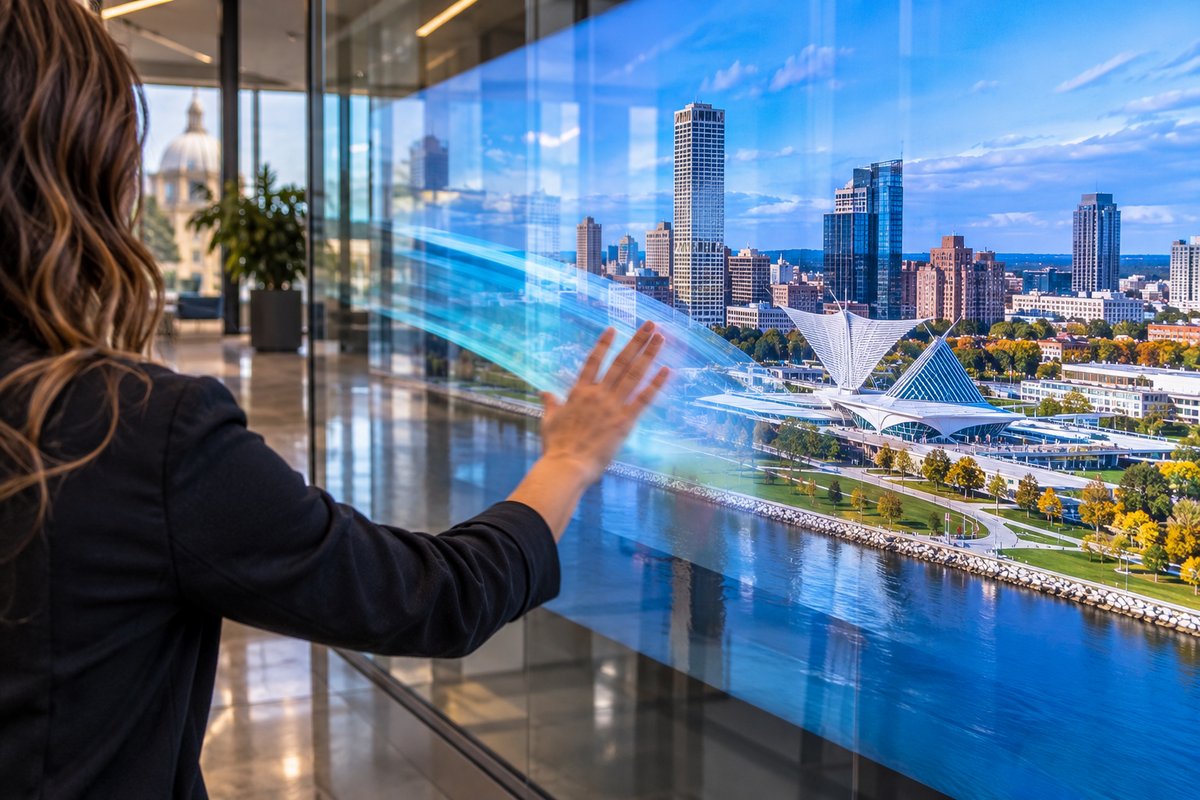
Milwaukee, WI storefront with interactive touch foil display at dusk.
Illustrative AI concept image, not a documented installation.
Plan your touch glass

How to Add Touch Foil to Your Milwaukee Glass Displays

01 · Plan

Assess Your Space and Display Needs

Identify the glass panel or table, and decide if you want interactive storefront windows, kiosks, or tables. Measure your glass area and select your desired display method—either a screen or a projector with rear-projection film.

02 · Select

Choose the Right Touch Foil Model

Match your panel size and touch requirements to the correct ProFoil model. Consider thicker glass for public settings, the number of touch points, and whether you need object recognition for interactive exhibits.

03 · Install

Wet-Apply and Finalize the Installation

Mount the touch foil on the inside of clean, non-metallic glass or acrylic. Align with your display, remove bubbles, and allow 24 to 48 hours to fully cure before powering up the interactive glass.

Where it works

Where Touch Foil Delivers in Milwaukee

Retail

Interactive Storefront Windows

Transform your shopfront into an eye-catching interactive display—even when your doors are closed during Milwaukee’s cold winters. Perfect for engaging foot traffic day and night, rain or snow.

Museums & Public

Exhibits and Visitor Centers

Enable touch navigation, interactive guides, or educational experiences safely behind glass, ideal for Milwaukee’s museums, schools, and public venues with high visitor volume.

Corporate & Hospitality

Lobbies, Touch Tables & Kiosks

Add next-level interactivity to hotel lobbies, office reception areas, or campus meeting points. Create interactive maps, info tables, or wayfinding directories—all protected by glass.

Featured touch foils

Touch Foil Solutions for Every Application

Specs Guide

Touch Foil Sizes and Specifications

Understand sizing and glass compatibility for Milwaukee’s standard glass and climate, including custom sizes up to 1.4 x 4.5 meters for large windows or unique venue needs.

See Touch Foil Sizes and Specifications

Product Models

Touch Foil Models

Explore model options from ProFoil Standard for single-user retail to Pro Touch 20/40 for high-touch multi-user setups and Object Recognition for interactive exhibits in public institutions.

See Touch Foil Models

How-To

How Touch Foil Works and How to Install It

See the mounting and setup process step-by-step for Milwaukee projects, with attention to glass type and avoiding issues like condensation or electrical interference in older buildings.

See How Touch Foil Works and How to Install It

Custom Quote

Get a Touch Foil Quote

Submit project dimensions and glass details for a tailored quote. Every Milwaukee installation is unique, so specifications and pricing are always project-specific.

See Get a Touch Foil Quote

Local planning resources

Plan & Monitor Local Conditions

Weather & climate

National Weather Service

Check Milwaukee area weather forecasts when planning glass installations or electrical work—especially during spring rain or winter freeze.

Visit weather.gov

Links are to official or established local sources and were checked when this page was drafted. Confirm current rules with each office before installing.
Before you order

Milwaukee Touch Foil Planning Checklist

  1. Measure All Glass Dimensions. Carefully confirm your glass size and thickness, keeping in mind that thinner, non-metallic glass improves touch accuracy—even with historical Milwaukee storefronts.
  2. Select the Compatible Display Method. Decide between an LCD/LED screen or a projector with rear-projection film behind the glass to ensure flawless visibility in local daylight and at night.
  3. Prepare and Clean the Glass. Ensure glass or acrylic is free from dust, oils, and especially any metallic coatings. Use standard cleaning agents safe for your storefront or venue entrance.
  4. Plan for Power and Data. Route USB power and data lines away from other cables, and make sure you have grounded power in compliance with local codes—especially important in historic Milwaukee venues.
  5. Request a Custom Project Quote. Every Milwaukee installation is unique. Contact TouchFoil to get a precise quote based on your site’s requirements and your preferred use case.
Touch foil is compatible only with non-metallic glass and must always mount on the inside surface.
Applications & Seasons

Milwaukee Touch Foil Uses Through Four Seasons

Milwaukee’s lakefront climate brings deep winter chills, rainy springs, and warm festival seasons—each creating unique traffic patterns for retail and public venues. Touch foil allows shops to remain visually dynamic and interactive, even when the street is cold and windows need to stay securely closed. During summer street fairs or gallery nights, interactively activated glass boosts visitor engagement without exposing electronic gear to outdoor elements.

In educational and museum environments, touch foil behind glass enables rotating exhibits and digital maps that students and tourists can safely operate year-round. Visitor centers, especially those along the Riverwalk or in city parks, use touch-enabled windows to host interactive guides and local event directories—even during major storms.

Corporate and hospitality spaces in downtown Milwaukee benefit by providing hygienic, multi-user touch solutions that work reliably through the glass, reducing device wear while keeping workflow fast during busy conventions or business events.

Homes and smaller venues can harness touch tabletops for collaborative meetings, virtual tours, or digital signage visible from the street. Touch foil is an excellent fit wherever glass meets interaction and public safety is key.

Tech & Compliance

Power, Weather, and Planning Ahead

Every Milwaukee project should begin by assessing both your site’s power supply quality and proximity to other electronic cables. Power must always be grounded, and USB cables routed away from both display and power lines to avoid visual or touch interference—especially important in older Milwaukee buildings with complex wiring.

Temperature and humidity in Milwaukee fluctuate rapidly, making glass fogging and condensation a concern if not managed correctly. Install touch foil indoors only, and avoid using glass with metal coatings or frames that come within 3 mm of the foil. If in doubt, check with your site’s facilities manager or local building office regarding any compliance questions or retrofits.

Wet-application method requires enough time to dry fully—plan for 24 to 48 hours’ curing before first use. Uncured foil or accidental movement before curing can degrade touch accuracy. Staging a test alignment on a small off-cut of glass is recommended before starting full application.

Whether planning for permanent displays or seasonal campaigns, ensure all your AV and IT gear is planned to sit safely behind the glass or table, with cords secured and all electronics grounded, for years of safe, reliable operation.

Mistakes & Fixes

Common Mistakes and How to Avoid Them

One common issue in Milwaukee installs is forgetting to confirm that the chosen glass is non-metallic and thin enough for the best touch accuracy. Always double-check that glass is less than the maximum thickness supported by your target model and has no embedded wires or metallic tints.

Another frequent mistake is mounting the foil close to metallic frames or letting power or USB cables overlap—a source of poor signal or reduced sensitivity. Always keep metal edges at least 3 mm from the foil and secure cables per guidelines.

Neglecting to plan for local humidity or not allowing full curing after wet-application can result in touch glitches, cloudiness, or adhesion issues. Allow a full 24–48 hours for curing, and avoid high-moisture environments during that period.

Finally, skipping the alignment or test step before permanent mounting can lead to installation errors. Properly align the marked active area with your display edges, check for bubbles, and only move forward once everything looks and feels right through the glass.

Common questions

Milwaukee Touch Foil FAQ

How does touch foil work behind storefront glass?

Touch foil is a transparent film embedded with a fine grid of sensing wires (with no visible wires on ProFoil Clear) that mounts on the inside of glass or acrylic. When paired with a digital display or rear-projection film, it senses touch through the glass, allowing interactive control without exposing electronics to public touch. The controller and USB cables are included for plug-and-play operation.

What types of venues in Milwaukee benefit most from touch foil?

Touch foil is suitable for a wide range of Milwaukee locations. Popular examples include retail windows along major streets, museum and visitor center exhibits, hotel and corporate lobbies, schools, universities, real estate displays, and interactive kiosks or touch tables at public events. Its tamper-resistant design makes it ideal for both high-traffic and secure environments.

What glass types are compatible with touch foil?

Touch foil works with non-metallic glass or acrylic up to the thickness specified by the chosen model. Thinner glass (under 10 or 12 mm) provides better touch performance. Avoid glass with metallic coatings, embedded wires, or frames that come within 3 mm of the foil to ensure optimal accuracy. Always measure carefully and check local codes before installation.

How do I choose the best touch foil model for my project?

Select the model based on your display size, touch point requirements, and planned use. ProFoil Standard supports up to 10 points for typical retail or tables, Pro Touch 20/40 offers 20 or 40 points for larger public installations, Object Recognition identifies tagged markers on the glass, and ProFoil Clear suits applications needing maximum transparency. Contact TouchFoil for detailed guidance and a custom project quote.

What installation steps are important for Milwaukee conditions?

Start with a dust-free, non-metallic glass surface. Apply the foil using the wet method, lining up the marked active area with your display, and carefully remove all bubbles. Allow at least 24 to 48 hours for full curing, especially in humid or cold conditions. Ensure all power is grounded and cables are routed as per guidelines, and always confirm alignment before permanent installation.

What is the warranty and compliance status for touch foil?

All foils include a 3-year warranty on the foil and 1 year on the controller. TouchFoil products are CE and RoHS compliant. Every installation is custom-quoted—simply submit your project details to receive a tailored specification and pricing.