
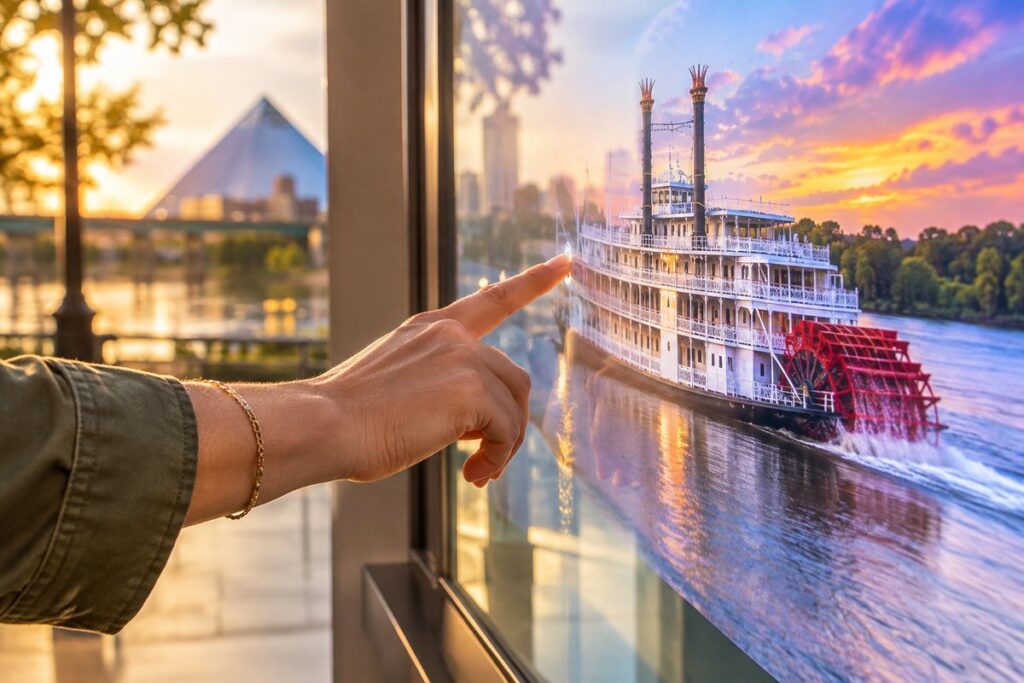
Understanding Touch Foil: The Basics Behind Interactive Glass
Touch foil is changing the way Memphis businesses and institutions connect with visitors, guests, and customers. Using a thin, transparent film that mounts on the inside of glass or acrylic, a touch foil senses finger movements through the glass, transforming windows, kiosks, or tables into interactive touch screens. The key to this technology is a fine grid of sensing wires—completely transparent, with no visible wires on some models like ProFoil Clear—that detects touches with impressive precision, even through glass.
Every touch foil includes a controller board and USB cable, which powers the system and relays touch input to a connected computer. There’s no need for visitors to touch a display directly; the interactive experience happens through the glass itself. How Touch Foil Works and How to Install It provides a detailed look at the underlying components and touch mechanics.
For businesses in Memphis seeking modern, versatile ways to engage audiences—like retailers, museums, hotels, and visitor centers—touch foil offers dynamic new options for interactive storefront windows, digital kiosks, and touch tables. As you plan an installation, knowing the basics of how touch foil functions can help you get the most out of your setup.
With light transmission of 89 percent or more (85 percent or more on some nearly invisible models), these films keep displays bright and vivid while safely mounting on the inside of glass, shielded from weather and public contact. Compliance with CE and RoHS standards offers additional peace of mind.
How Touch Foil Turns Glass into an Interactive Display
Turning regular glass into a high-performance touch screen starts with the touch foil itself, but the final effect comes from matching it with the right display technology behind the glass. Generally, there are two main build approaches:
- Foil + glass + LCD or LED display + computer: Place an LCD or LED screen directly behind the glass. The touch foil senses touches through the glass and sends data to the computer, which drives interactive content.
- Foil + glass + rear-projection film + projector + computer: Attach a rear-projection film to the back of the glass and use a short-throw projector. This setup is ideal for large installations or when no bezel is desired.
Both methods deliver a seamless, intuitive interface, whether it’s used for an interactive storefront window, a museum exhibit, or a collaborative touch table. Models such as ProFoil Standard, Pro Touch 20/40, Object Recognition, Clear, and Circular offer a range of form factors and touch point options. Examine Touch Foil Sizes and Specifications to select the best fit for your installation.
Touch foils come with automatic or zone calibration, plug-and-play operation (powered by 5 V over USB), and accuracy of about ±2 mm (under 1 mm on Object Recognition). Every kit includes the touch foil, controller board, and USB connection—there’s no exposed electronics for visitors to touch or operate.
Planning Glass Thickness, Size, and Position for Memphis Installations
The performance of a touch foil interactive glass system depends on careful planning, particularly regarding glass type and thickness. Thinner glass (up to 10 mm on most ProFoil models, up to 12 mm on Pro Touch 20/40) is recommended for optimal touch sensitivity, with laminated double-glazing supported as long as there’s no air gap. Metal should be absent from the chosen glass, and no metal framing should come within 3 mm of the foil’s active area for best results.
ProFoil touch foils support sizes from as small as 2 inches to as large as 1.4 x 4.5 meters, including circular models for round tables (up to 140 cm—or 280 cm using joined halves). If your installation requires a custom size, there are options for nearly any format. The foil is applied once and cannot be moved to another pane, so it’s essential to thoroughly test all layouts before final installation.
For Memphis projects, factor in accessibility, sightlines, and local sunlight patterns—the city’s weather may affect internal reflections or display brightness. It’s wise to test in actual site conditions before committing to final placement. Explore available models and options at Touch Foil Models for further project planning.
Step-by-Step Guide to Installing Touch Foil in Memphis
Installing touch foil is a precise but manageable process suitable for integrators, AV professionals, and experienced builders. The foil is always applied to the inside surface of glass using a wet-application method, ensuring solid contact and aligning the marked active area with the display edges. Excess water and air bubbles must be thoroughly squeezed out, as the installation dries over 24 to 48 hours.
Before beginning, the glass must be meticulously cleaned and totally free from dust, grease, or residue. Because it’s a one-time installation, always confirm touch and display performance with a temporary test setup. Additional recommendations include:
- Ensure the controller is fixed and grounded to the frame or structure.
- Route the USB cable away from power or display wiring to minimize interference.
- Use only grounded power sources.
For help with the installation process, including best practices for Memphis buildings, see How Touch Foil Works and How to Install It.
What Goes Behind the Glass? Display Technology Choices
Choosing the right display is as crucial as selecting the foil itself. LCD and LED screens provide crisp digital content for touch kiosks, storefront displays, and collaborative tables. Alternatively, a rear-projection system with a compatible film creates a borderless interactive wall or large-scale signage—perfect for exhibit spaces and real-estate displays.
The right choice depends on available space, desired image quality, and ambient lighting conditions. For Memphis installations, take into account sun exposure through glass surfaces and lighting variations throughout the day. These can affect both touch accuracy and content visibility, so appropriate placement and display brightness matter. Explore display compatibility and technical options at Touch Foil Sizes and Specifications.
Where rear projection is preferred, you’ll need a rear-projection film installed on the back surface of the glass; for tailored recommendations, visit one of the manufacturer’s sister sites for projection film options.
Memphis-Specific Planning: Power, Codes, and Permits
Every interactive glass installation in Memphis must comply with local planning, construction, and safety rules. Before making structural changes, confirm what permits and approvals your project may require. For storefront redesigns or new signage, the Develop 901 Citizen Portal is your central hub for building, zoning, and signage permits. Review application requirements early to streamline approval and avoid setbacks.
Ensure that all power sources are grounded and capable of supporting the complete interactive system, including the controller board and selected display. Consulting a qualified local electrician or integrator familiar with city codes is always beneficial. For historic buildings or locations with metal window frames, check regulations on display mounting and electrical grounding—requirements can vary by property type.
Storefront designers and retailers should also consider energy efficiency and visibility from the street, especially on popular Memphis thoroughfares. Planning ahead will ensure a smooth application and a more impactful end result for your interactive storefront window or kiosk touch foil installation.
Comparing ProFoil Touch Foil Models for Your Memphis Project
The ProFoil product line from TouchFoil (by SSI) offers solutions for every scale and application:
- ProFoil Standard: Ideal for smaller displays (10.1 to 55 inches), offers 10 touch points and supports glass up to 10 mm thick with automatic calibration.
- Pro Touch 20/40: Supports more simultaneous touches (20 or 40 for screens 32 inches and up), larger sizes up to 100 inches, and glass up to 12 mm, including laminated glass.
- ProFoil Object Recognition: Adds interactive physical marker recognition, with SDK support for developers and expanded collaborative options—a fit for museums or educational spaces.
- ProFoil Clear: Delivers a wire-free effect for applications needing pure transparency, up to 98 inches and up to 10 mm glass.
- Circular Touch Foil: Perfect for round tables and domed installations, up to 140 cm diameter or 280 cm when two halves are joined.
Custom sizes are available up to 1.4 x 4.5 meters. Each model features plug-and-play USB connectivity, CE and RoHS compliance, and a 3-year foil / 1-year controller warranty. To compare models in further detail, consult Touch Foil Models and Touch Foil Sizes and Specifications.
Memphis Case Planning: Practical Tips for Integrators, AV, and Designers
When planning projects in Memphis, it’s crucial to consider the day-to-day factors that influence interactive glass performance. Frequent humidity and temperature changes can affect adhesives and electronics; schedule installation in a controlled environment to minimize moisture during drying. For high-traffic retail corridors or busy lobbies, position the glass for easy visibility and accessibility, while protecting electronics from accidental damage.
Lighting is another key concern. Natural sunlight can create glare or interfere with projections, particularly for street-facing installations along Union Avenue or Beale Street. Use tinted or anti-glare glass where needed, and adjust display brightness based on prevailing conditions. Before altering lighting or wiring, it’s best practice to consult Memphis permitting resources through the Develop 901 Citizen Portal.
Finally, coordinate with design teams early in your project. Integrating touch foil into a new build or renovation works best when factored into the architectural plan, ensuring a seamless aesthetic and top-tier usability for all users, from hotel guests to school visitors. Explore solution possibilities and technical FAQs at How Touch Foil Works and How to Install It.
Quick FAQ: Touch Foil Solutions for Memphis, TN
How durable is a touch foil installation behind glass?
Touch foil is safely applied on the protected, inside layer of glass or acrylic, shielding it from direct contact, weather, and public access. It’s engineered for stable indoor operation. For specific application needs, review the Touch Foil Sizes and Specifications to match your environment.
Can touch foil work through thick or double glazing?
Most ProFoil models are rated for glass up to 10 mm thick. The Pro Touch 20/40 supports glass up to 12 mm, including laminated double glazing without an air gap. Thinner glass is recommended for best responsiveness; always test your setup before permanent installation.
What are the electrical and safety considerations in Memphis?
Interactive touch foil systems use 5 V USB power and must be grounded. When modifying wiring or building exteriors in Memphis, check with the Develop 901 Citizen Portal for permitting, especially for large displays or new electrical work.
Get Started with Your Touch Foil Project in Memphis
No matter your application—interactive storefront windows, visitor center exhibits, or high-tech touch tables—touch foil unlocks creative possibilities for engaging audiences through glass. To ensure your project meets local code and delivers the impact you need, visit the main TouchFoil site to explore all models and specifications, or Get a quote for your Memphis installation today.