Providence, RI · Interactive glass for storefronts & displays

Interactive Touch Foil Solutions for Providence, RI Storefronts and Displays

Bring dynamic, interactive experiences to your retail window, hotel lobby, or exhibit with advanced TouchFoil technology in Providence, RI.

In a city celebrated for its thriving arts scene, vibrant academic institutions, and eclectic shopping districts, Providence, RI, is primed for innovative storefronts and visitor experiences. TouchFoil brings transparent, multi-touch functionality to glass, empowering retailers, exhibit designers, hotels, universities, and museums to turn any window or glass wall into a responsive digital display. Whether you’re planning a seasonal promotion in Wayland Square, updating an interactive museum exhibit near College Hill, or transforming a hotel lobby as guests arrive for WaterFire, our solutions adapt seamlessly to the unique climate and local requirements of Providence.

With TouchFoil from Screen Solutions International, your glass can become a touchscreen display without compromising style or visibility. Choose from several models—including fully transparent, object recognition, and large-format curved foils—to suit your space and engagement goals. Every installation is quoted per project, with a focus on simplicity, plug-and-play integration, and compatibility with most glass and acrylic. Explore how to elevate visitor interaction and connect with passersby in downtown Providence and beyond.

interactive displaysretail technologymuseum exhibits

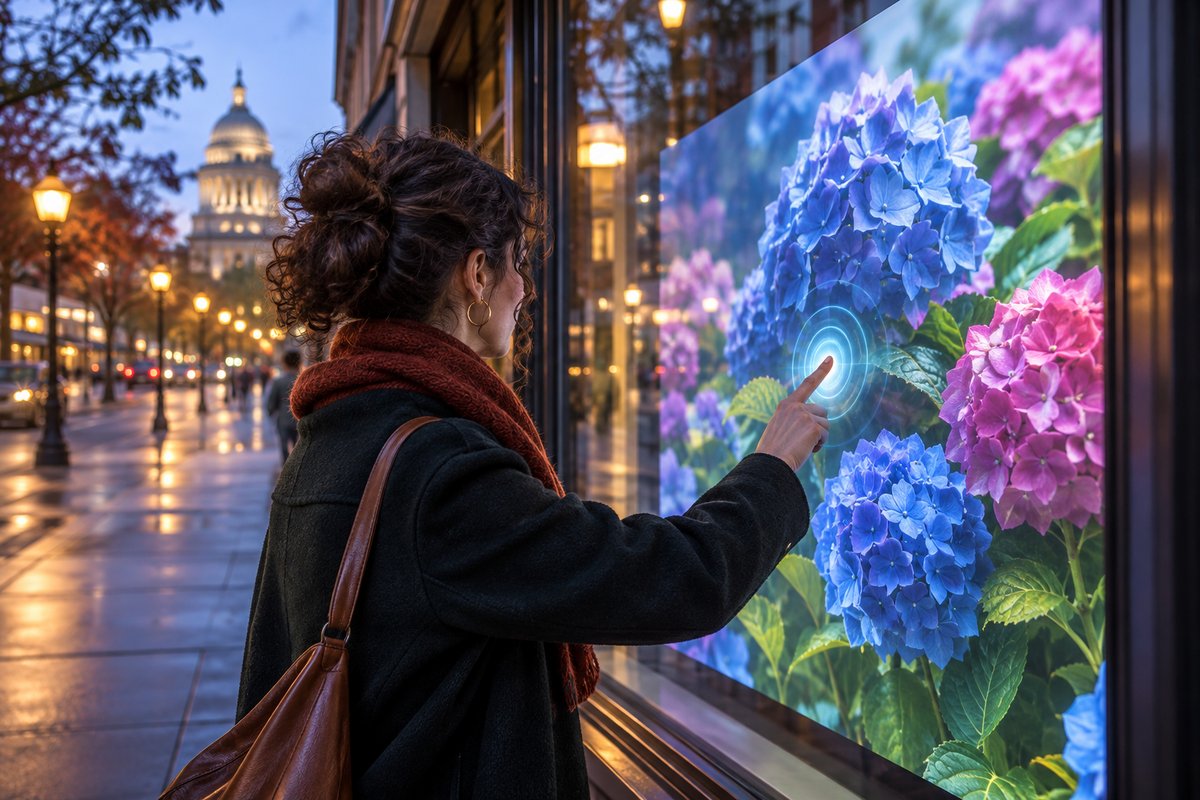
Interactive glass storefront in Providence, RI with people using a touch foil display at dusk.
Illustrative AI concept image, not a documented installation.
Plan your touch glass

How to Create an Interactive Touch Glass Display in Providence

01 · Plan

Select Your Space and Desired Experience

Decide where you want your interactive touch foil screen—whether it’s in a shop window on Westminster Street, a hotel lobby, or a visitor center. Consider how passersby and guests will interact with the display through the glass.

02 · Install

Apply the Touch Foil to Glass or Acrylic

Wet-apply the touch foil to the inside of clean, uncoated glass (metal-free), aligning the active area with your screen or projection zone. Allow 24–48 hours for the foil to settle and bond to the surface before connecting the system.

03 · Activate

Connect Display and Power Up

Install either an LCD/LED display or rear-projection film and projector behind the glass. Plug the foil’s controller into your computer via USB (requires grounded power), and start engaging visitors and customers immediately.

Where it works

Where Interactive Touch Foil Makes an Impact in Providence

Retail

Storefront Windows & Shopping Center Displays

Transform any Providence storefront window into an interactive showcase to highlight products or promote events like Gallery Night Providence. Enable after-hours engagement and touch-based promotions year-round.

Museums & Institutions

Interactive Exhibits, Visitor Centers, & Campus Kiosks

Enhance museum exhibits or campus information tables for enhanced learning and visitor engagement. Touch foils are ideal for spaces like RISD galleries, school lobbies, or historical sites looking to modernize visitor interaction.

Events & Hospitality

Hotels, Conference Spaces, & Event Venues

Create dynamic welcome screens or interactive wayfinding for Providence’s hotels and convention venues. Seasonal events, festivals, and lobby installations make a memorable first impression for guests and attendees.

Featured touch foils

Explore Touch Foil Models and Specifications

Overview

Touch Foil Sizes and Specifications

Review available touch foil sizes and specifications to match Providence’s varied window, table, and display formats. Choose the right dimensions for storefronts, museum walls, or hospitality counters.

See Touch Foil Sizes and Specifications

Product Choice

Touch Foil Models

Decide between ProFoil Standard for basic multi-touch, Pro Touch 20/40 for increased touch points and larger surfaces, Object Recognition for interactive tables or exhibits, and ProFoil Clear when you need an unobstructed view. Circular models are ideal for round installations in event or hospitality spaces.

See Touch Foil Models

How-To

How Touch Foil Works and How to Install It

Get detailed insights on the two installation approaches—either with a rear-projection system or an LED/LCD behind your glass. Instructions include preparing for Rhode Island’s humidity and seasonal climate changes.

See How Touch Foil Works and How to Install It

Custom Quote

Get a Touch Foil Quote

Each project is unique. Request a tailored quote for your Providence location to ensure an exact fit for your space and technical requirements, with support for compliance and permitting where needed.

See Get a Touch Foil Quote

Local planning resources

Providence Area Touch Glass Planning Resources

Permits & planning

City of Providence e‑Permitting

Access building, electrical, and mechanical permit applications for interactive glass displays or storefront projects in Providence.

Visit providenceri.gov

Tourism

Visit Rhode Island

Find inspiration and potential partners for integrating interactive touch glass in hotels, museums, and visitor attractions throughout Rhode Island.

Visit visitri.com

Links are to official or established local sources and were checked when this page was drafted. Confirm current rules with each office before installing.
Before you order

Touch Foil Project Checklist for Providence

  1. Confirm Glass Type and Location. Verify that your glass or acrylic is free from metal and measures under 12 mm thick for best touch response, and that you have access to the inside surface for foil installation.
  2. Choose Your Touch Foil Model. Select the appropriate ProFoil model for your touch point needs, screen size, and interactivity goals based on where and how your audience will use the display.
  3. Account for Power and Connectivity. Ensure available grounded outlets and pathways for the USB connection to your controller and computer. Avoid routing USB alongside power and display cables to minimize interference.
  4. Consult Local Permitting Requirements. Check with the City of Providence to confirm if your touch glass installation will require building, electrical, or signage permits.
  5. Test and Prepare the Surface. Clean the inside glass thoroughly, perform a foil dry-fit test, and align the marked active area with your display edges before proceeding with the wet application.
Touch foil must always be installed on the inside of glass or acrylic and is not suitable for outdoor surface mounting.
Seasonal Use

Maximizing Touch Foil Impact Throughout Providence’s Seasons

Providence’s New England climate—with distinct, sometimes humid summers and icy winters—means your interactive storefronts and displays need to perform year-round. The TouchFoil system is designed for indoor installation behind glass, protecting electronics and touch surfaces from snow, rain, and seasonal street grime common in downtown or along South Main Street. During spring and fall, when foot traffic increases for events like WaterFire or local festivals, retailers and museums can leverage interactive glass to draw visitors into their space even after hours.

Summer tourism peaks throughout Rhode Island make interactive displays in hotel lobbies, visitor centers, and shopping arcades especially valuable. The transparency and high light transmission of ProFoil touch foils allow maximum daylight to illuminate merchandise or informational content, even with touch interactivity enabled.

In colder months, businesses can use TouchFoil’s multi-touch features to create themed promotions, event calendars, or festive content directly on their storefronts without opening windows to the winter air. This enables continuous engagement with a safe, reliable setup protected by the glass barrier itself.

Providence’s diverse venues—from classic brick institutions on Benefit Street to glass-fronted storefronts and modern event spaces—can all benefit from the flexibility and all-season usability of touch foils. Just ensure the interior glass surface is accessible for proper installation, regardless of weather.

Planning & Permits

Power, Permitting, and Integration Considerations for Providence

When planning your interactive touch screen through glass installation in Providence, it’s important to review local permitting and code requirements early in the project. While many indoor displays may not require extensive permits, changes to signage, building infrastructure, or electrical systems often do, especially in historic districts or mixed-use properties. Check with the City of Providence permit office using their e‑Permitting portal to confirm project needs and documentation.

The TouchFoil system runs on a low-voltage, 5 V USB connection, but it’s essential to use grounded power and to properly fix and ground the controller board to your window or kiosk frame. This helps prevent electrical interference and ensures responsive touch performance even in larger downtown buildings.

Technical planning should also consider cable management, especially in high-traffic public areas. Route USB cables at least 3 mm away from power and display wires to minimize interference and create a clean, professional look in your retail, educational, or hospitality setting.

If you plan to combine the touch foil with a rear-projection film and projector, ensure adequate projection distance and check for potential light intrusion from outside. For LCD or LED installations behind glass, calculate screen sizing and mounting access before committing to a model.

Best Practices

Common Mistakes and Expert Tips for Touch Foil Success

A successful touch foil installation in Providence depends on careful preparation and attention to detail. Always clean the glass thoroughly and ensure any metal framing or decoration is kept at least 3 mm away from the active foil area.

Mistakes are also commonly made in foil alignment: before the wet application, test-fit and precisely align the marked active area with your intended display edges. Once installed and dried (24–48 hours), the foil is not removable or reusable, so accuracy the first time is critical.

In setups where multiple electronic devices are in use—such as in an interactive exhibit, campus kiosk, or lobby display—be mindful that USB and power cables should not share routing channels. This reduces the risk of interference, keeping response times below 10 ms and accuracy around 2 mm. ProFoil Object Recognition can provide even finer precision for applications requiring marker pucks.

Lastly, always make use of the 3-year foil and 1-year controller warranty by testing your system fully before public use. Although TouchFoil is designed for plug-and-play integration, taking these step-by-step precautions ensures reliable, long-term operation in any Providence venue.

Common questions

Frequently Asked Questions about Touch Foil in Providence

Can TouchFoil be installed on any glass in Providence?

TouchFoil must be installed on the inside of glass or acrylic that is free of metal content and ideally less than 12 mm thick. Most standard storefront, lobby, or display glass fits these criteria, but always assess the specific site. Metal framing needs to be at least 3 mm away from the active foil area. Consult with your local glass supplier and test before permanent installation.

Is the installation process affected by Providence’s weather or climate?

Since the touch foil is always mounted on the inside surface of the glass, it is protected from direct exposure to weather. However, the interior glass should be dry and at room temperature during installation. Seasonal humidity or temperature swings may affect bonding time slightly, so avoid installing during extreme cold or heat.

What’s the typical use case for TouchFoil in local retail or museums?

TouchFoil creates interactive digital experiences behind glass in storefronts, museums, hotel lobbies, and event spaces throughout Providence. Use cases include product promotions, interactive wayfinding, educational kiosks, and visitor engagement—anywhere touch interaction is needed through a window or wall.

How is touch accuracy and response for guest interactions?

TouchFoil delivers touch recognition with accuracy of approximately plus or minus 2 mm (or under 1 mm with ProFoil Object Recognition), and response time is typically under 10 milliseconds. The system supports 10, 20, 40, or over 40 touch points depending on the model, making it suitable for both single-user and multi-user applications in busy environments.

Are the touch foils compliant with regulations and safe for use in public spaces?

All ProFoil touch foils are CE and RoHS compliant. For public installations in Providence, it’s important to check with city or venue administrators regarding any additional safety or permitting requirements related to interactive technology or digital signage.

How do I get pricing and support for a Providence-area project?

All TouchFoil projects are quoted individually based on size, model, and technical details. Use the quote request process to get a tailored estimate for your location. Support is available to guide you through model selection, technical planning, and compliance specific to Providence venues.