
01 · Plan
Define Your Interactive Vision
Decide which glass surface—such as a retail window or lobby wall—will be transformed with touch. Consider the expected visitors, viewing angles, and level of interactivity you want for your Tampa space.
Bring your glass to life with TouchFoil and engage Tampa visitors with interactive storefront windows and displays.
Whether you manage a boutique, hotel, campus, or museum in the heart of Tampa, enhancing glass barriers with interactive capabilities creates standout, touch-driven experiences. TouchFoil transparent films from Screen Solutions International let you convert existing windows, kiosks, and tables into immersive digital touch screens—right through glass or acrylic.
Mounted discreetly on the inside of your glass, each ProFoil solution senses fingers and gestures, offering fast (under 10 ms) and accurate (plus or minus 2 mm) response for engaging content. With flexible models and sizes, TouchFoil adapts to Tampa’s diverse commercial, institutional, and public venues—sparking curiosity, convenience, and interaction even during Florida’s busiest seasons.
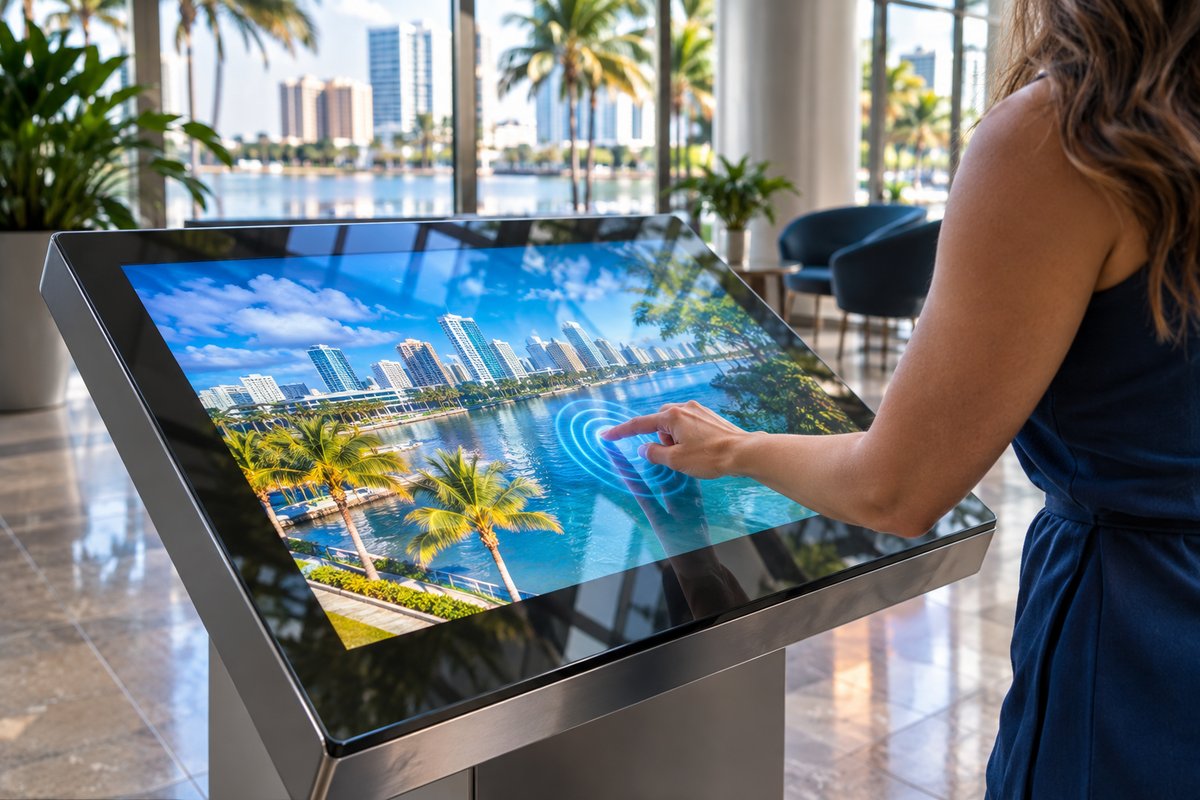
Decide which glass surface—such as a retail window or lobby wall—will be transformed with touch. Consider the expected visitors, viewing angles, and level of interactivity you want for your Tampa space.
Select whether your interactive content will appear on an LCD, LED display, or via a projector and rear-projection film placed behind the glass. Match the setup to your daylight conditions and the intensity of Tampa’s sun.
After cleaning and prepping the chosen glass, TouchFoil is precisely mounted on the inside, then connected via USB to your media device. Calibration finalizes the interactive system, ready for customer engagement.
Use Tampa’s busy retail corridors to your advantage with touch foil; create digital catalogs, promotions, or maps that passersby control through glass, day or night.
Hotels, visitor centers, and museums along the Tampa Riverwalk instantly modernize wayfinding and exhibit spaces, letting guests explore attractions and resources with a simple touch.
Turn glass conference rooms or campus entryways into collaborative, multi-user touch zones—ideal for sign-in, scheduling boards, or interactive maps in Tampa’s schools and workplaces.
For any illuminated or high-visibility storefront display, check Tampa’s commercial sign permitting process to ensure your installation complies with local rules.
Explore Visit Tampa Bay’s digital guides to plan for visitor-centered experiences in your interactive project or event display.
Tampa’s vibrant calendar, ranging from Gasparilla festivities to year-round tourism, means high pedestrian traffic and the need for visually engaging displays that work both in daylight and at dusk. With hurricane season and humidity to consider, all interactive hardware—including foils and displays—should be placed inside, safe from the elements, as is best practice for storefronts and lobbies.
TouchFoil’s high light transmission ensures digital content remains vivid under bright sun, which is ideal for Tampa’s clear spring and summer days. The technology also excels during evening shopping hours or cultural events, when enhanced visibility and interactive engagement drive customer actions.
Temporary pop-ups and seasonal campaigns especially benefit from transparent foil, as it preserves the look of the glass when the display is off—useful in venues that change themes or branding throughout the year.
For Tampa’s historic or architecturally distinct districts, TouchFoil’s minimal visual footprint aligns with neighborhood aesthetics, giving designers flexibility whether your space is brick-and-mortar, glass-walled, or a modern kiosk.
For any illuminated or interactive display near a street or sidewalk, Tampa’s commercial signage rules may apply. Always check with the local permitting office to ensure your window display is compliant, particularly if you’re in a regulated neighborhood or adding new digital elements visible from outside.
TouchFoil works with standard glass or acrylic panes, but the best performance is found on thinner, non-metallic glass. Any metal must be at least 3 mm from the foil to prevent interference. If working with laminated or double glazing, confirm there’s no air gap and consult with your glass supplier about suitability.
In Florida’s climate, power reliability and surge protection are important. Always use grounded power, and install the foil’s controller to the frame securely. USB cables should be kept away from high-power or video cables to avoid unwanted interference.
Due to the one-time install nature of the foil, it’s advised to fully test functionality, calibration, and alignment before permanent application. Proper planning reduces waste and ensures a flawless interactive result as you launch your Tampa project.
A common misstep in interactive glass projects is selecting the wrong glass or not considering metallic window films or tints, which can disrupt touch functionality. Always verify with your supplier that the glass is suitable before ordering touch foil.
Failure to consider local permitting and sign regulations can delay or hinder your project—especially in Tampa’s downtown or historic areas. Early consultation with city offices streamlines approvals for your interactive window.
Improper cable management can lead to touch interference or system instability. Route all USB connections away from display and power lines, use grounded power sources, and double-check that the controller is solidly grounded to the frame.
Finally, unsuccessful calibration or rushed install (such as leaving bubbles or not aligning the touch area with the actual screen) can reduce accuracy and user experience. Take ample time for both wet-application and post-install drying as recommended.
TouchFoil is a transparent film with a fine grid of sensing wires that mounts on the inside of a glass or acrylic panel. When a finger touches the outside surface, the film senses the location accurately through glass, allowing interactive content to respond as if the glass itself was a touchscreen. The system is plug-and-play with a USB connection and quick calibration.
For best results in Tampa, use non-metallic glass or acrylic, with thinner panes providing the highest touch sensitivity. Avoid glasses with metallic tints, coatings, or embedded wires. Laminated panes can be used if there’s no air gap and no metal, but always check with your supplier or a professional before ordering.
The standard ProFoil models are transparent and nearly invisible, showing only a faint grid at close range, while the ProFoil Clear model is fully transparent with no visible wires. This makes TouchFoil suitable for retail settings and high-end applications where maintaining the original look of the glass is important.
The foil is always applied on the inside of the glass, so it’s protected from Tampa’s weather and humidity. The touch experience works through glass up to its model-specific thickness limit, so it’s perfect for typical storefronts or interior partitions where the public interacts with the exterior surface.
There are two main display approaches: place an LCD or LED screen directly behind the touch foil and glass, or use a projector and rear-projection film to create a digital image visible through the glass. Both options are well-suited for Tampa’s well-lit venues, but display brightness and reflection management should be planned for best results.
Every project is quoted individually to meet your exact requirements, size, and configuration. To get started, contact the TouchFoil team via the website for a personalized consultation. They can answer your technical questions, provide recommendations, and guide you through the order process for your Tampa-based installation.